
Netherstone

Your knowledge, set in stone.
A desktop app for your knowledge: documents, drawings, files and more. Everything lives in a folder on your computer and syncs across your devices for free.
v0.2.0-beta.2Oct 10, 2026Free and open source (GPL-3.0)
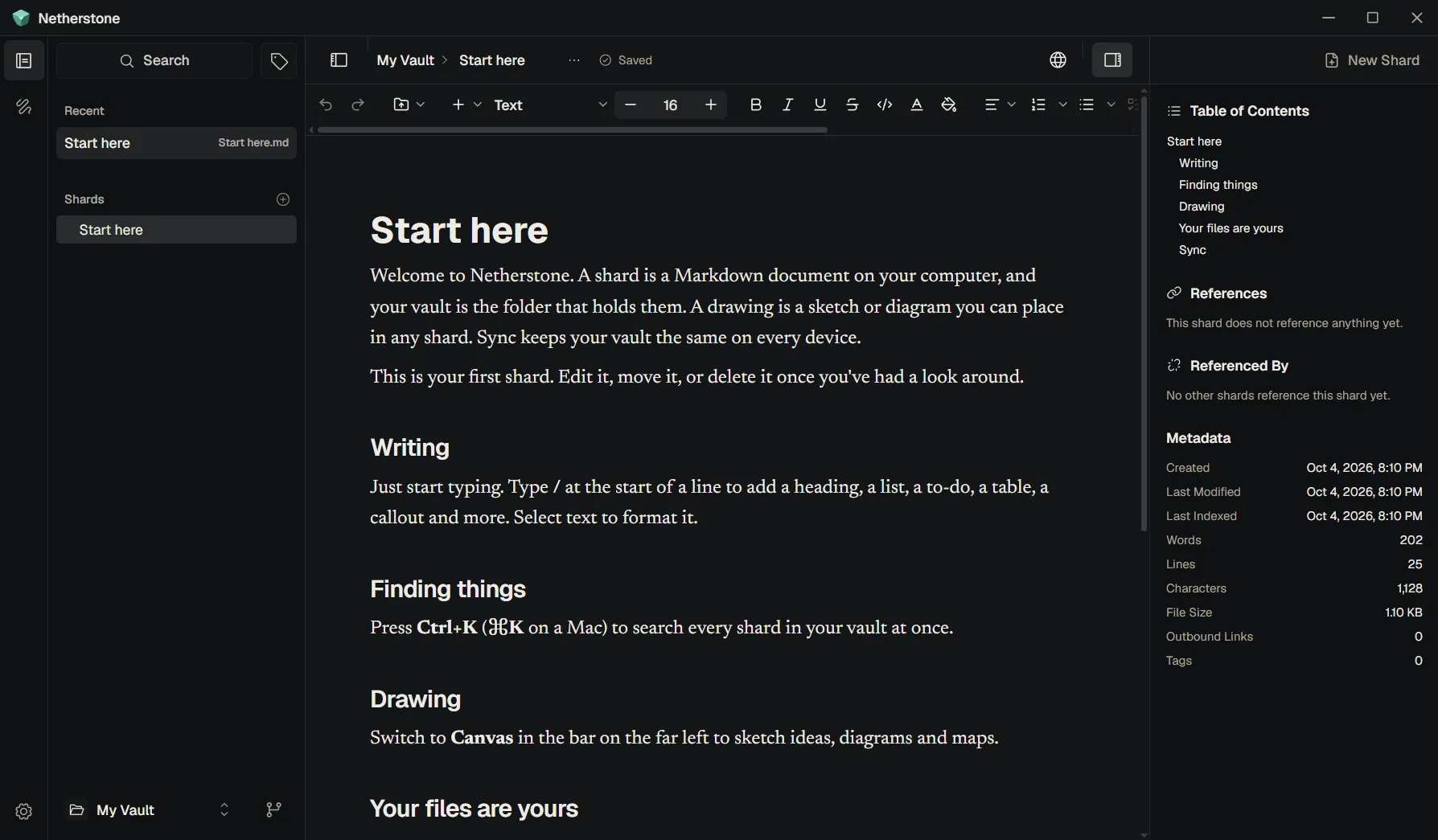
Tour
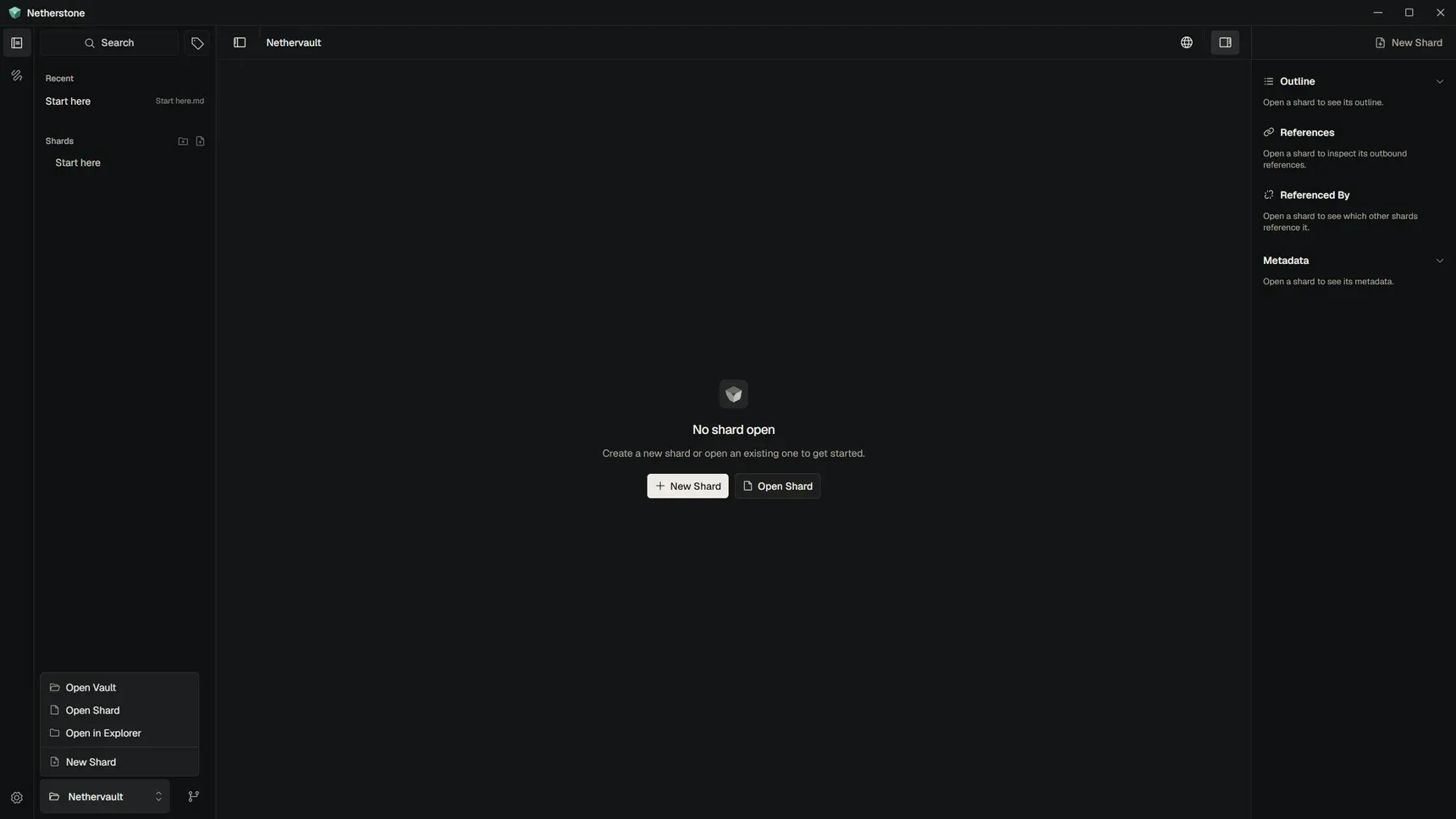
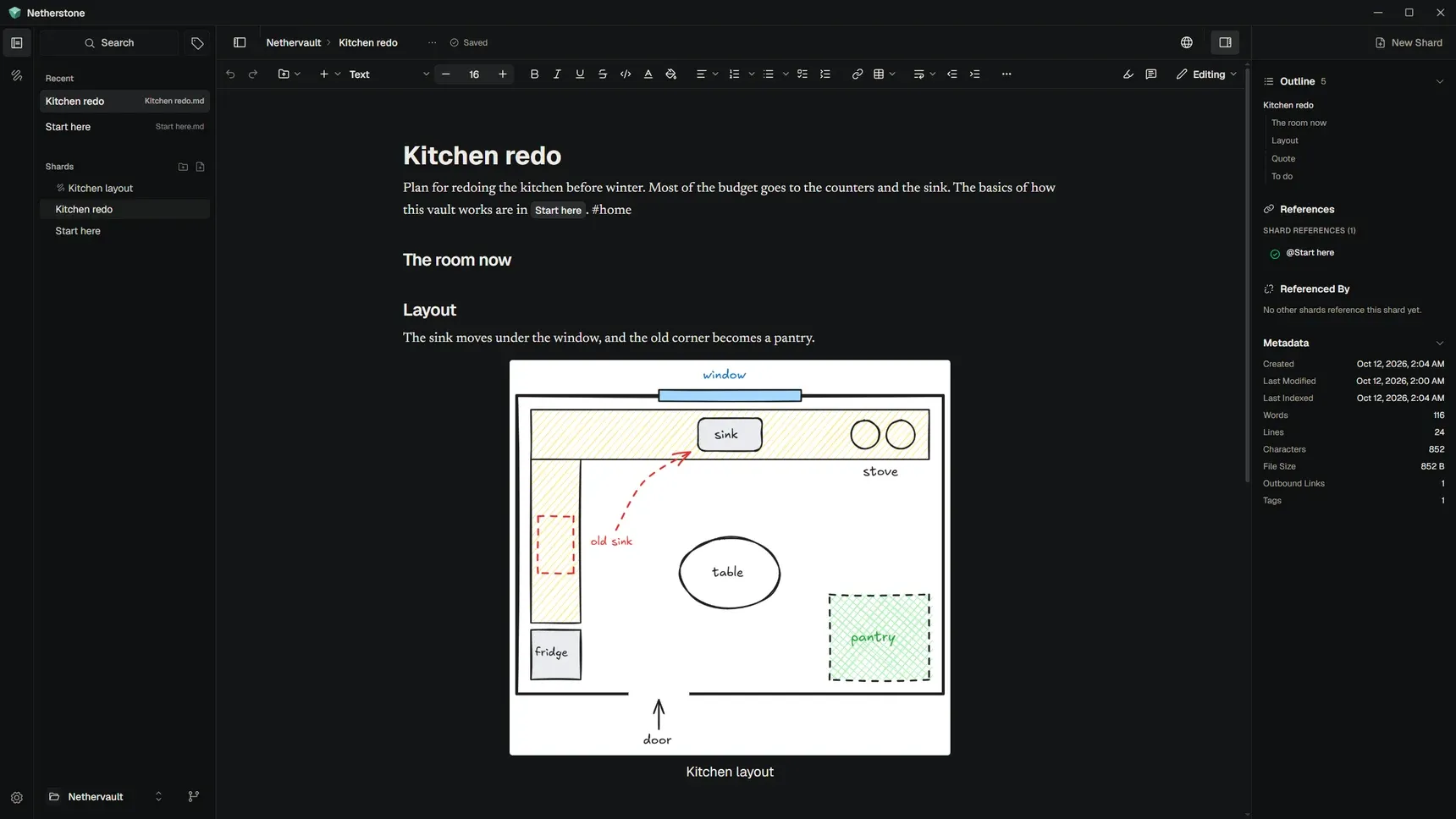
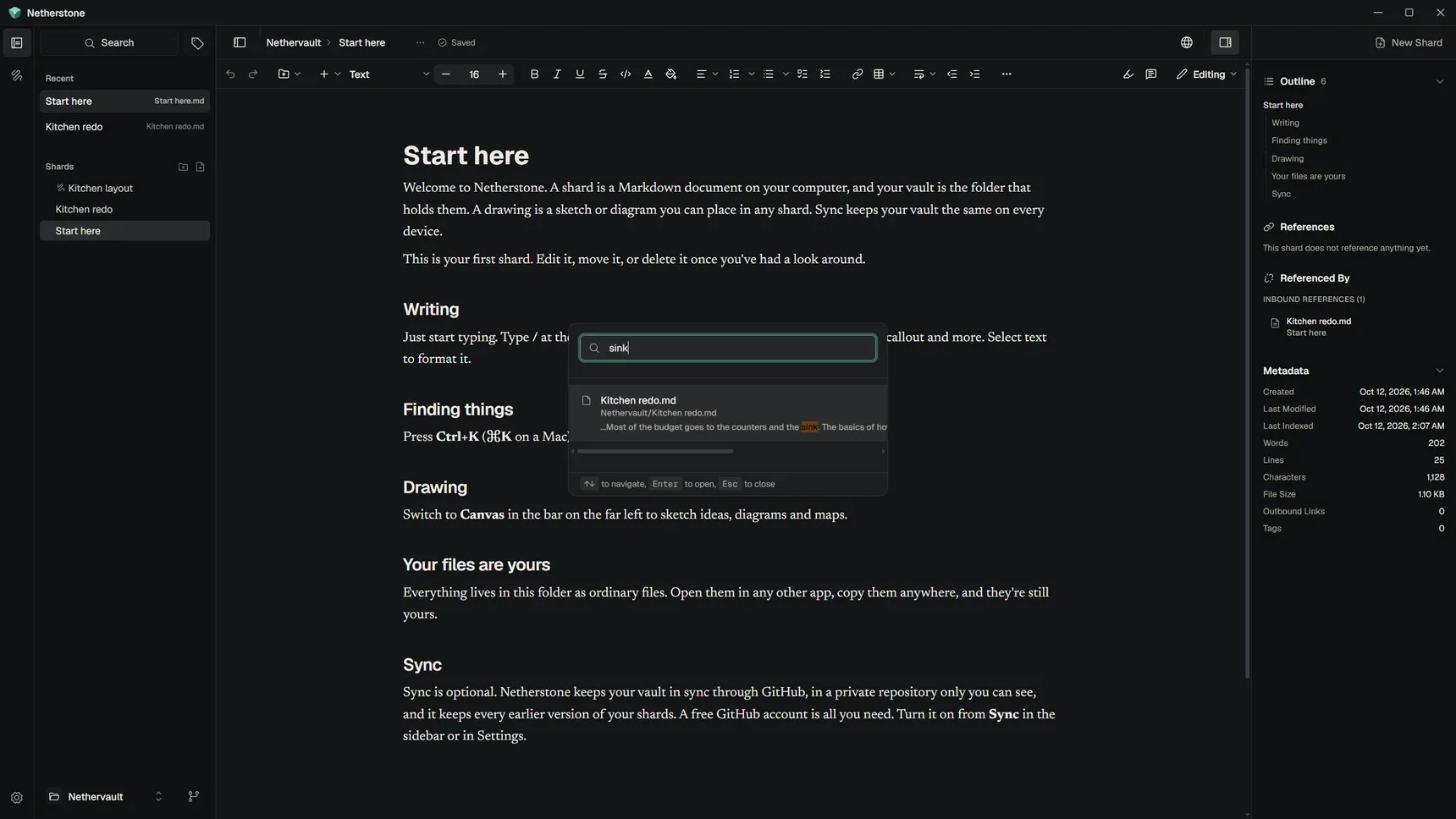
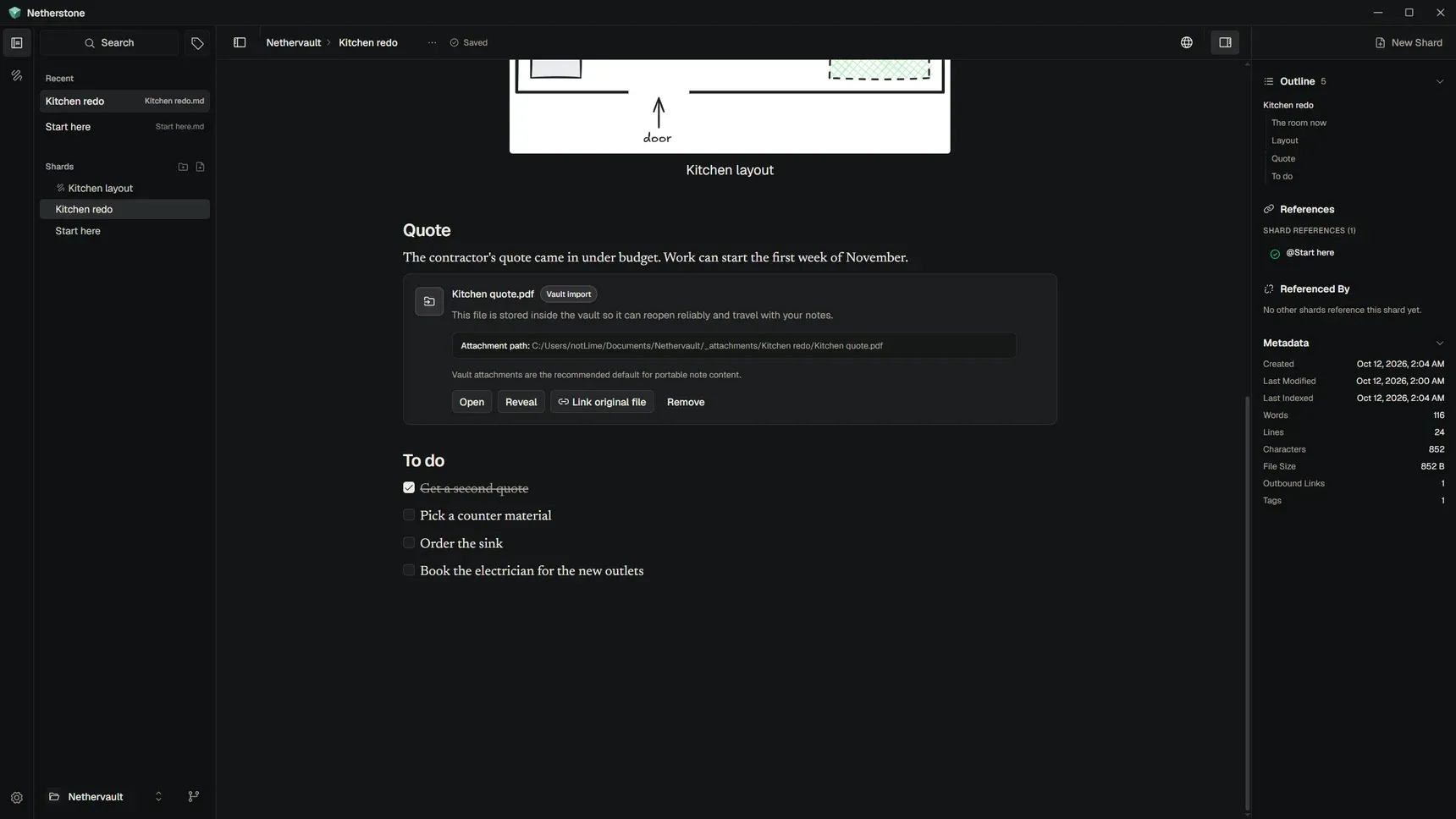
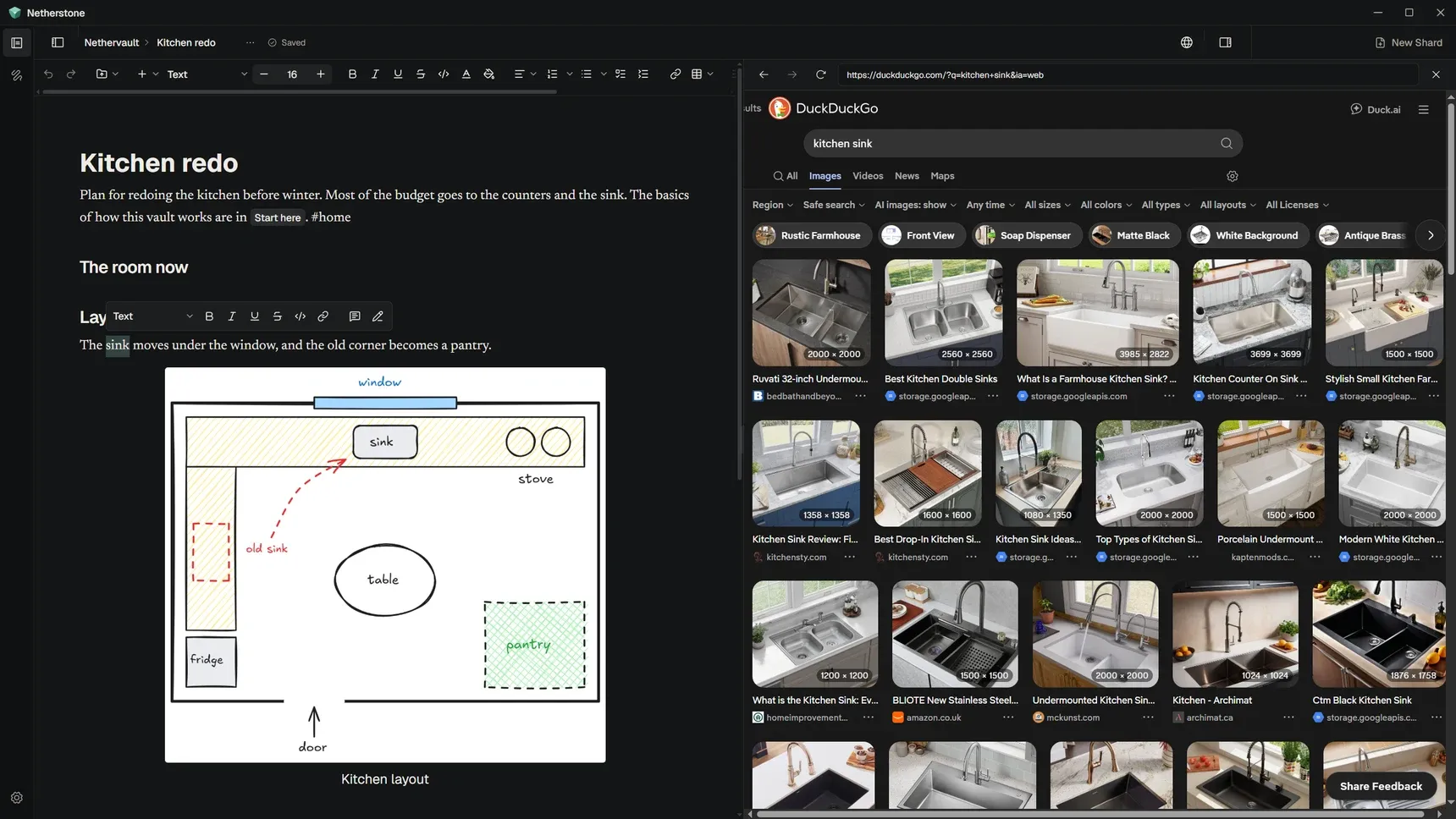
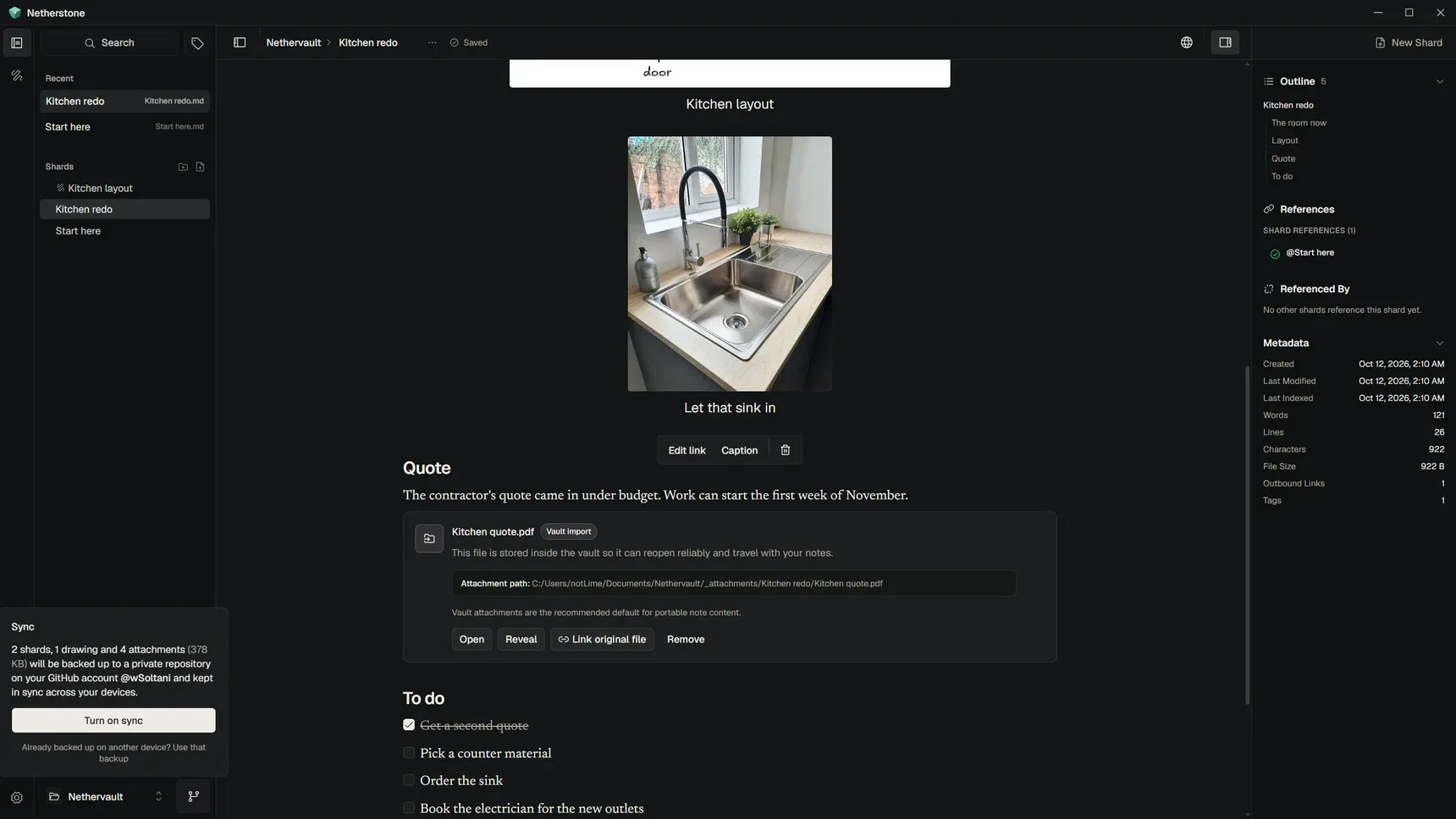
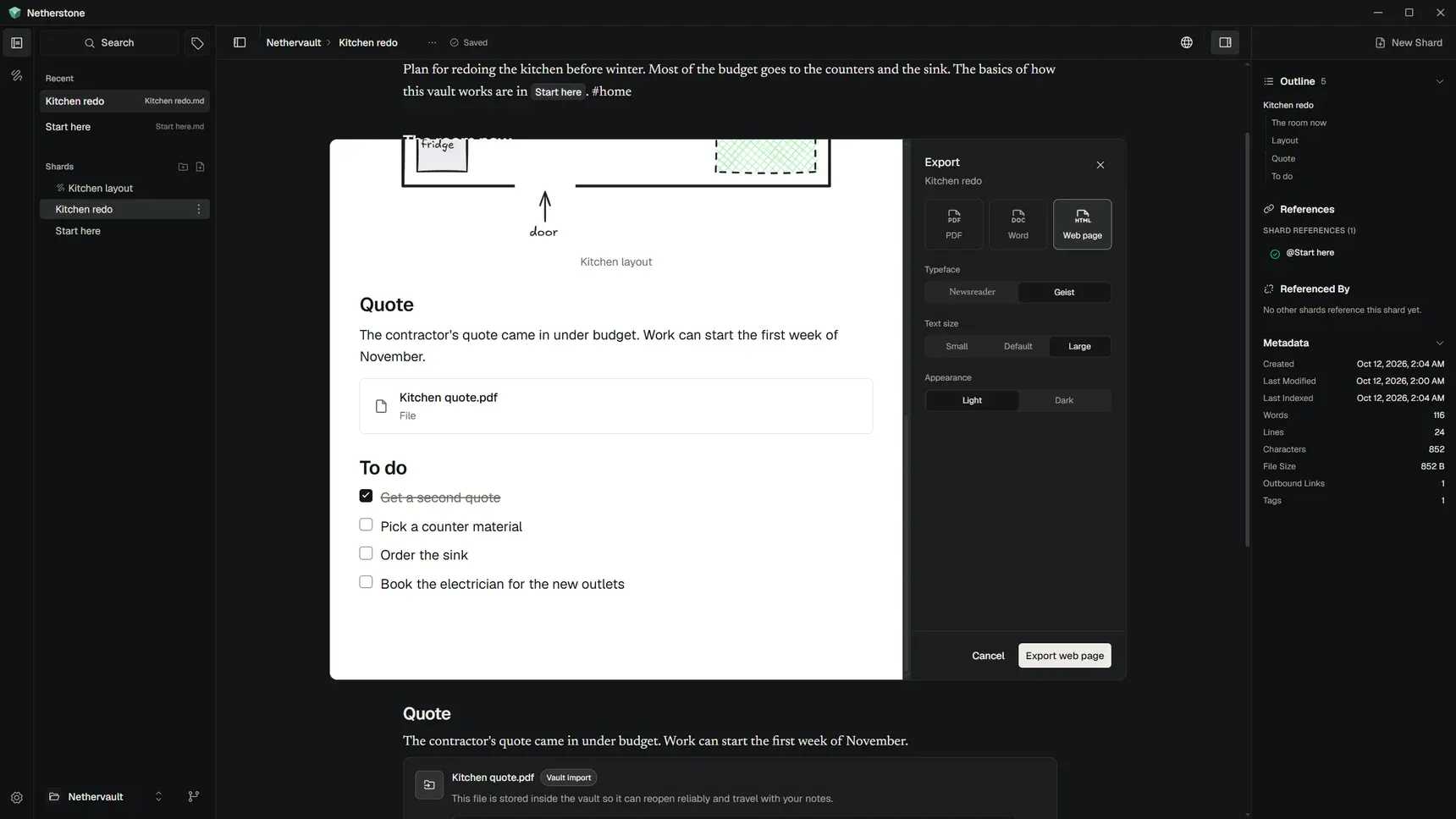
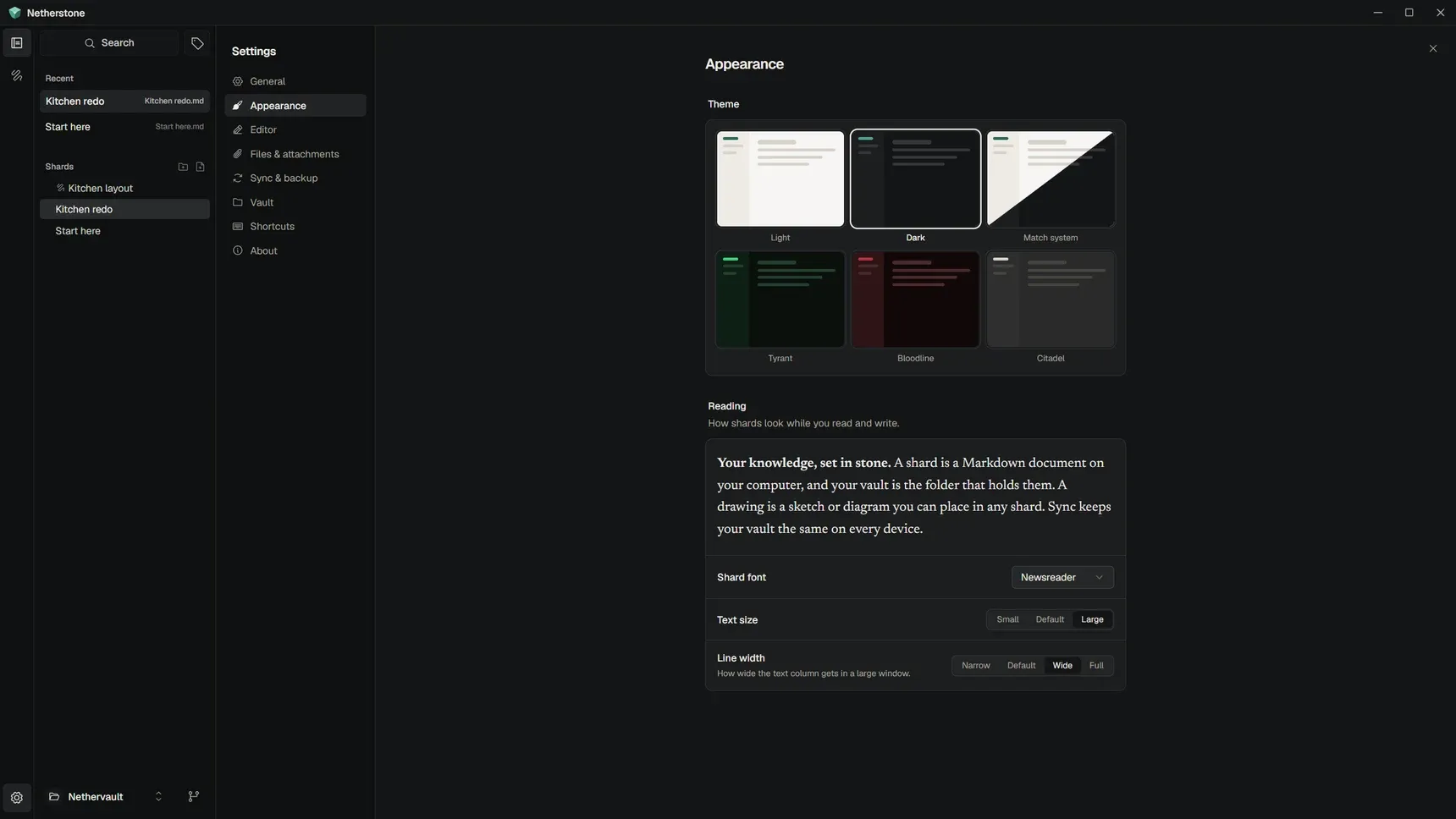
Recent shards, to pick up where you left off
Concept
Netherstone started on April 16 with a plain Markdown editor. Two days later Plate replaced it, and the rest of the month went into making it fast, along with the browser panel, Excalidraw drawings and recent shards in the sidebar.
May brought @ mentions in place of wikilinks, and a canvas mode for drawing. Large shards were still slow to open, because the rich editor draws every block. A workaround that loaded shards a little at a time stayed janky, so the project went on hold.
Plate 53.0.7 came out on June 3 and made large documents load about 2.7 times faster.
Back on it, Netherstone moved to Plate 53 and split each shard into groups of 100 blocks, so the ones off screen aren't drawn. Git sync, attachments and drawings saved in the vault came in the same stretch.
Netherstone 0.1.0 beta 1 went public on October 4, with first-run onboarding and updates from GitHub releases. Two more betas followed within three days.
I kept Markdown as the base and rebuilt everything around a rich editor.Why I built Netherstone ↗
How it's built
How it's shaped
Netherstone is a made-up name for a stone that sounds like it comes from deep underground. The rest of the app's words follow from it, so documents are shards and the folder that holds them is a vault.
Netherstone is made for anyone who keeps documents, research or ideas. Sync runs on Git, but the app never mentions it, so nobody has to learn Git to use it.
The app and sync are free, and stay free. Any paid service added later comes with a free way to do the same thing yourself. Paid services are there to keep Netherstone independent and open source.
Netherstone launched as a public beta on Oct 4, 2026. On its website, people vote on the roadmap to decide what comes next. The changelog updates itself with every release, and an occasional newsletter covers what's new.